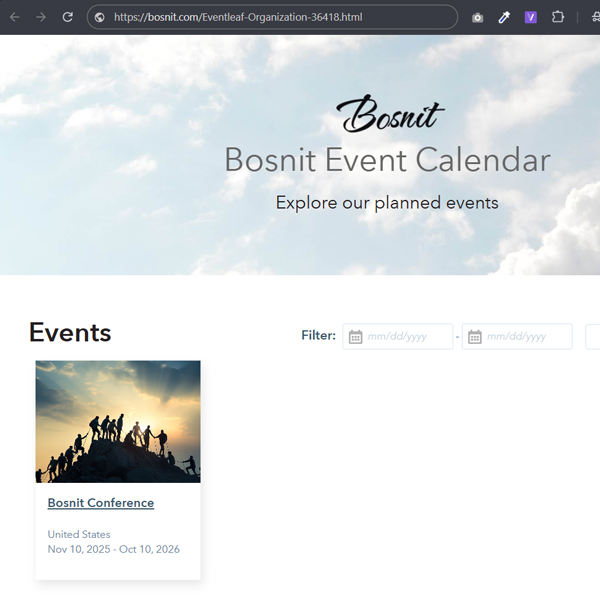
To Host the Event Calendar Page on Your Own Website or URL
-
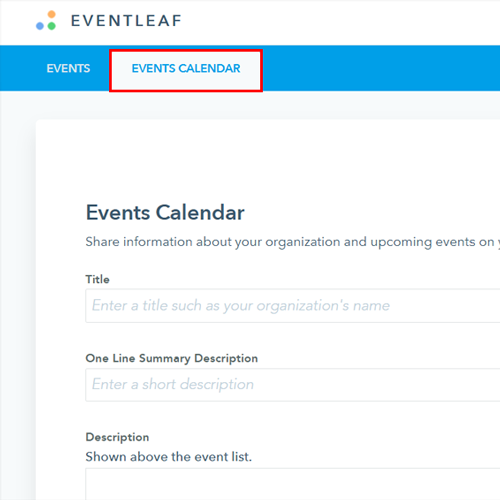
1. Log in to your Eventleaf account and click on "Events Calendar".
-
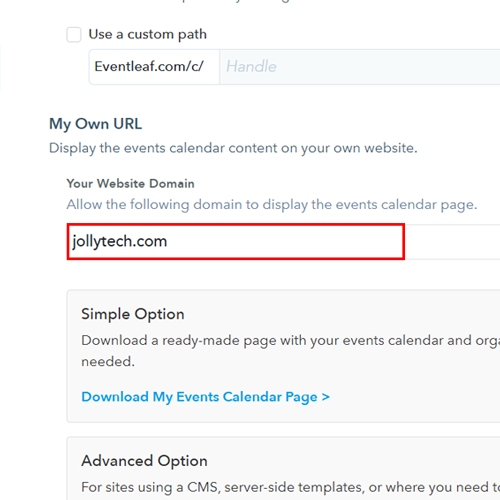
2. Scroll down to "Events Calendar URL" and enter your website address. This allows your domain to display the Eventleaf events calendar.
-
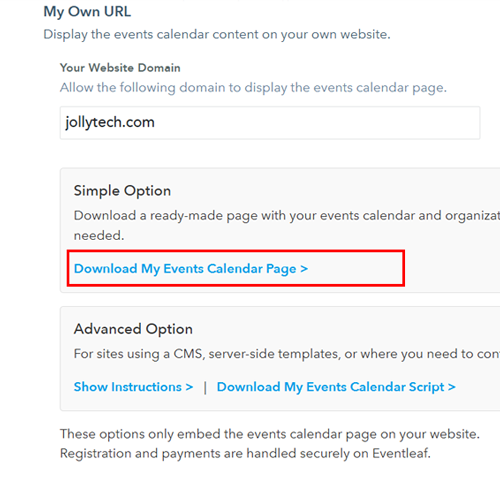
3. Under "Simple Option", click "Download My Events Calendar Page >" to download a ready-made page containing your event details.
-
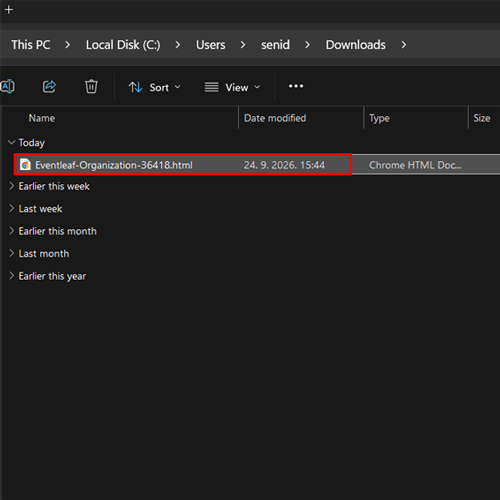
4. Once you click the download option, a file containing your event calendar page will be downloaded to your computer.
-
5. Copy the downloaded file to your website's hosting directory.
-
6. Once the page has been uploaded and the URL is accessed through a web browser, the Eventleaf event calendar will be displayed on your website.